Project Gems
A downloadable game for Windows
Do you like minecraft?, ok *writes it down*, do you like the combat of Souls-type games?, ok *continues writing*, do you like Legend of Zelda style puzzles and dungeons?, ok *finishes writing* , wait what you dont like The leyend of Zelda? Really?, well look at you, you… are and odd one.
Well for all the other people with good taste (jk i love you random human on the internet :3), or who stayed despite the fact that this is probably not what they are looking for, that's right I am looking at you, I present you Project Gems.
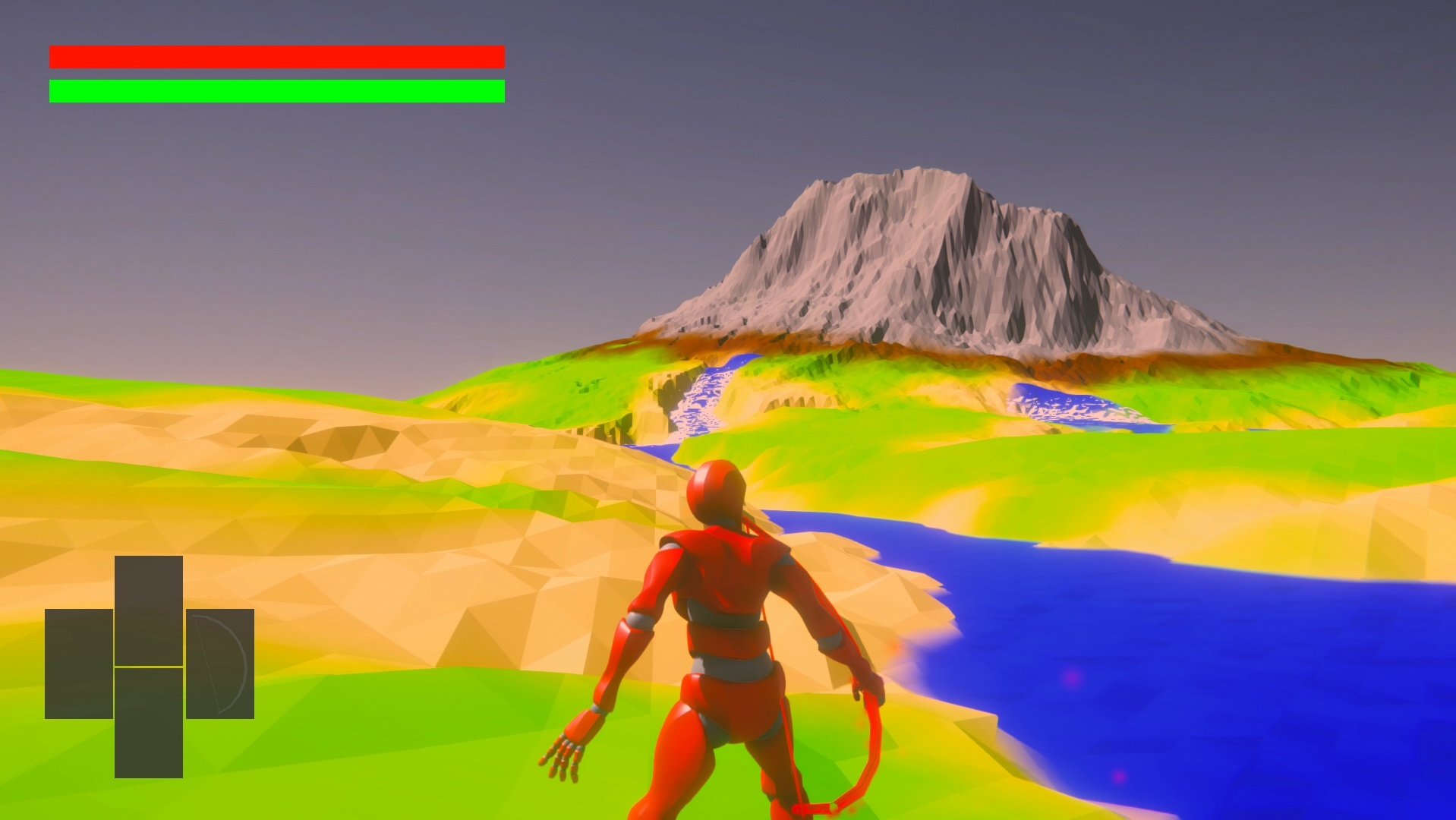
Project Gems is the unrecognized child of these 3 aforementioned games, exploration, combat, crafting, terrain modification and many other touches that combined make this game unique and at the same time reminiscing of these games.
What's that? I notice you're a bit worried, ohh so you like the world exploration, dungeons, puzzles, but the combat of the Souls games overwhelms you?, well it must be your lucky day because Project gems is also a pacific game you can finish the game completely, without the need to raise your hand not even to the petal of a rose, or what was the saying like?
Download
Install instructions
Some parameters of the initial state of the world are in a folder, thats why I had to make a zip file instead of just putting the game executable.
Depending on the dominant hand you choose at the start of the game you can only use tools/weapons that require 2 hands (pickaxe and bow) equipped in a slot of that hand.
You can save your progress in the big crystal that is in front of you when you spawn.
Keyboard Controls:
- Movement: WASD
- Camera: Mouse movement
- Run: Left Shift (maintain press)
- Dodge: Left Shift (single press)
- Jump; Space bar
- Focus enemy; F
- Change Focus: Q/E while focusing
- Interact; E
- Right hand action: Right Mouse Click
- Right hand sub action: Right Mouse Click + Shift
- Left hand action: Left Mouse Click
- Left hand sub action: Left Mouse Click + Shift
- Change left hand weapon: Left Arrow
- Change right hand weapon: Right Arrow
- Two hand weapon: Ctrl + Space bar
Gamepad Controls (by xbox control layout):
- Movement: Left joystick
- Camera: Right joystick
- Run: B (maintain press)
- Dodge: B (single press)
- Jump; Y
- Focus enemy; Right joystick button
- Change Focus: Right joystick left/right while focusing
- Interact; A
- Right hand action: Right button
- Right hand sub action: Right trigger
- Left hand action: Left button
- Left hand sub action: Left trigger
- Change left hand weapon: Left Dpad button
- Change right hand weapon: Right Dpad button
- Two hand weapon: A + Right button
Leave a comment
Log in with itch.io to leave a comment.